Horizontal rear-window LED format.
COMMERCIAL / FLEET SPECS & OPERATING CHECKLIST
Current commercial product format.
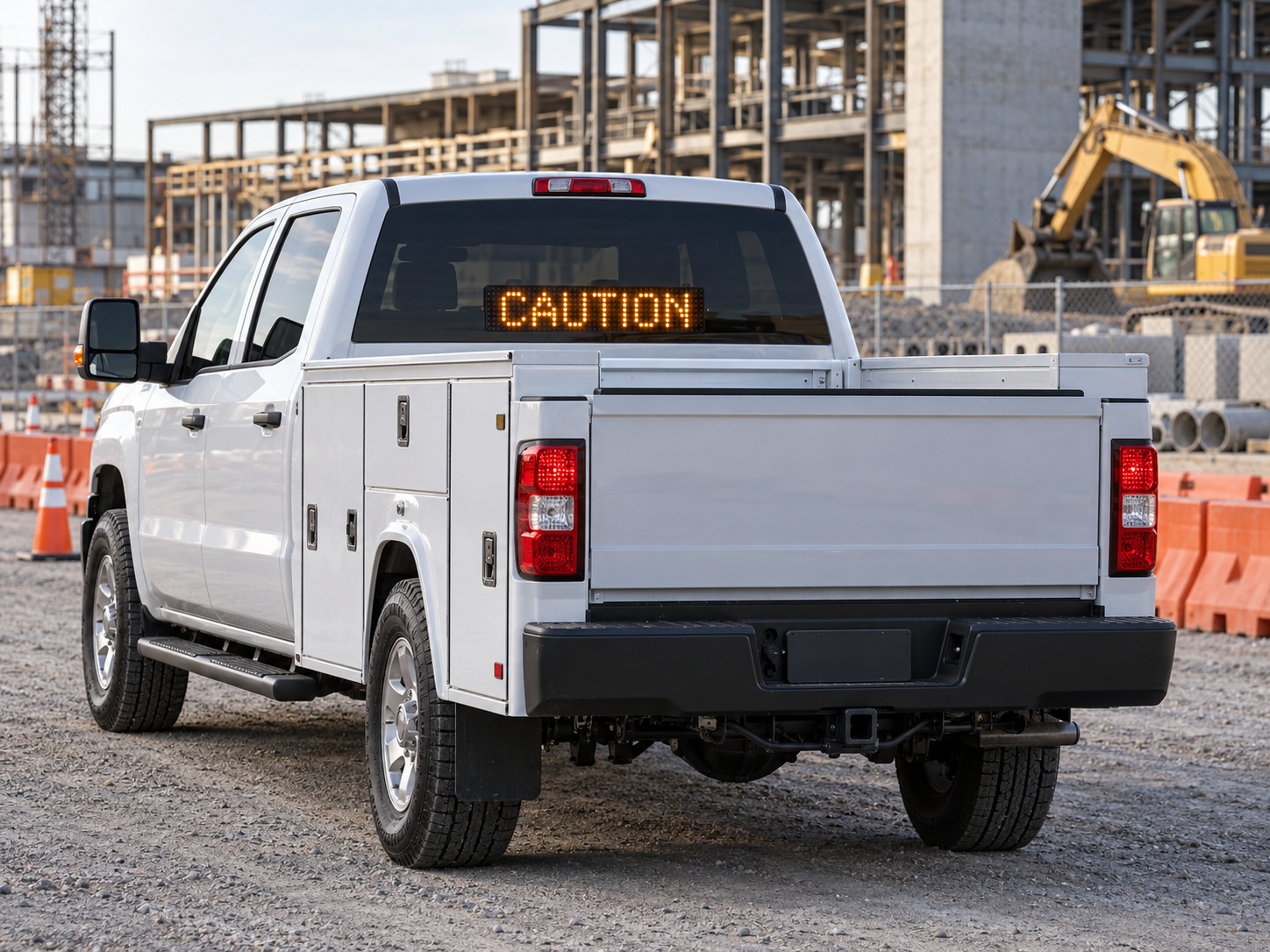
BumperSync uses a 3" tall × 18" wide rear-window display controlled from the BumperSync phone interface.
VISUAL REFERENCE
Construction-zone utility vehicle example look.
- Rear-facing display appears inside the rear window
- Short amber message presentation remains easy to read
- Keeps the same photo-like BumperSync visual language across the site
Designed as an interior rear-glass mounted display.
Preset and short custom messages sent through the BumperSync controller.
Separate demo flows for everyday and commercial messaging.
BEFORE ROAD USE
Fleet deployment checklist.
✓
Confirm local rules
Review applicable federal, state, local, fleet, and vehicle-display requirements before deployment.
✓
Protect driver visibility
Mounting must not obstruct required rear visibility or safety equipment.
✓
Use concise messages
Short, legible messages are the intended BumperSync interaction model.
✓
Validate mounting
Confirm vehicle-specific fit, power, mounting security, and heat/environment considerations.
✓
Set fleet policy
Define approved presets and operator permissions for organizational use.
✓
Test before deployment
Verify display readability and operation while parked before any authorized road use.
Interactive Commercial demo
Test the commercial preset flow before deployment planning.
TRY COMMERCIAL DEMO →Current BumperSync package
View the 3×18 product offering and cart.
SHOP →Important: This page is not legal advice, a regulatory approval, or a statement that BumperSync is certified by DOT/FMCSA or any state authority. Regulatory requirements vary by vehicle and jurisdiction.